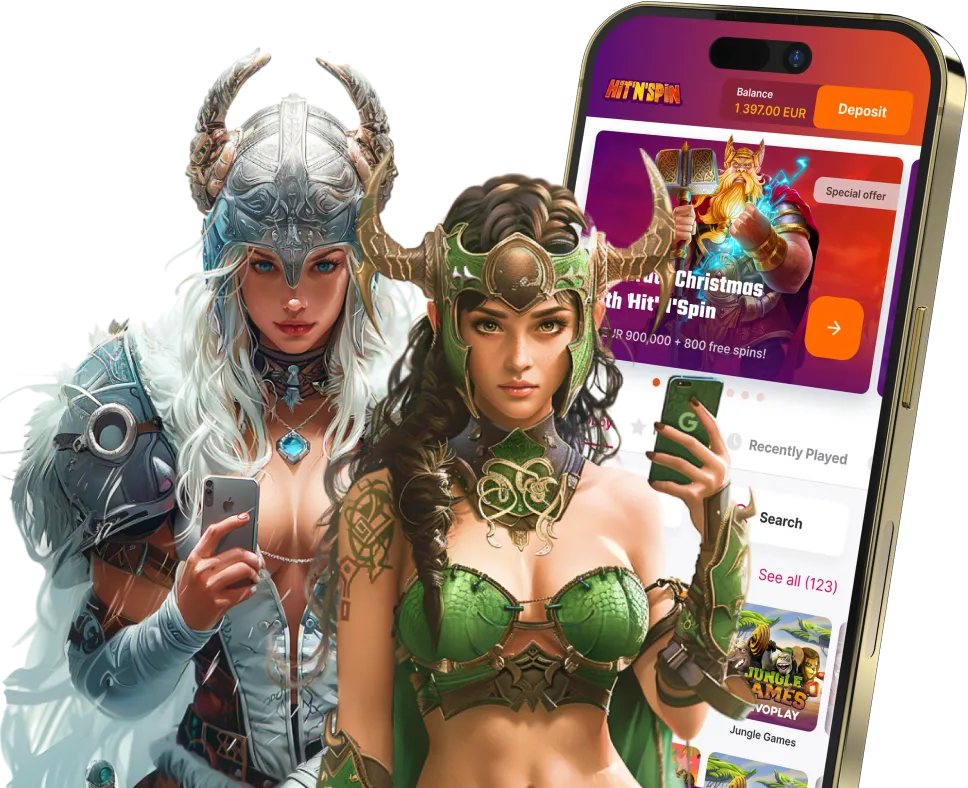
Mobile Casino
When people search for the HitNSpin app or an HitNSpin APK, the reality is different: HitNSpin does not have a native app. The platform is built as a browser-based experience — open the site in your phone's browser, and everything works from there.
Play Now — No DownloadHitNSpin's mobile experience is deliberate. There is no app in the App Store or Google Play, and no official APK file to sideload.
This is a deliberate design choice, and for most players it is the more practical arrangement. No manual updates, no storage space consumed, no App Store approval process causing delays when features change. The platform loads in your browser, works on any device with a modern browser, and receives updates instantly without requiring any action on your part.
Any APK file claiming to be HitNSpin found on third-party sites is not from the operator and should not be installed. It may contain malware or be designed to harvest account credentials.
No storage used
Nothing installs on your device. The site loads from the server each time, keeping your phone's storage clear.
Always up to date
No manual updates needed. Every time you open the site, you get the latest version automatically.
Works on any browser
Chrome, Safari, Firefox — any modern mobile browser handles the platform without issues on iOS or Android.
HitNSpin mobile works on any modern device with a capable browser. There are no special hardware requirements beyond what you would need for standard video streaming.
Android
Phones and tablets running Android 8.0 or later, using Chrome or Firefox. Most devices from 2018 onwards meet this requirement.
iOS (iPhone & iPad)
iPhone and iPad running iOS 13 or later, using Safari or Chrome. Most devices from 2018 onwards are compatible.
Desktop & Laptop
Any modern browser on Windows, macOS, or Linux. Chrome, Firefox, Edge, and Safari all work correctly.
The process is straightforward — four steps from nothing to playing.
Open your browser
Open Chrome (Android) or Safari (iPhone) on your phone or tablet.
Navigate to hitnspin.com
Type hitnspin.com into the address bar. The site loads directly — no redirection to an app store.
Log in or register
Log in to your existing account, or register if you are new. New players select their welcome package at this point.
Optional: add to home screen
For quicker future access, add the site to your home screen. On iOS: Safari share menu → Add to Home Screen. On Android: Chrome menu → Add to Home Screen. The shortcut behaves similarly to an app but takes up negligible storage space.
The complete game library is available on mobile without any reduction in titles. All games are developed in HTML5, the current standard for browser-based gaming without plugins.
Slots on mobile
The full catalogue — Gates of Olympus Super Scatter, Joker Stoker, Coin Win 2, and hundreds of other titles — is accessible on mobile. Touch interfaces are properly calibrated: spin buttons, bet selectors, and autoplay controls are sized for finger input rather than a mouse cursor.
Live casino on mobile
Live dealer games stream video in real time to your mobile browser. Quality adjusts automatically to your connection speed. A stable 4G connection or Wi-Fi is recommended for the best experience.
Table games on mobile
Digital versions of blackjack, roulette, and baccarat are available on mobile with interfaces adapted for smaller screens. Demo mode is available on most titles, allowing practice without a deposit.
Every account function works on mobile. There are no features reserved exclusively for desktop users.
Loading times on mobile depend primarily on connection speed. On a standard 4G connection, most slots load within 2–4 seconds.
Connection
Wi-Fi is preferable for live casino games due to continuous video streaming. For slots, 4G is perfectly adequate. A 5G connection provides the smoothest live casino experience.
Battery
Live casino games consume more battery than slots due to continuous video streaming. Keep that in mind for longer sessions, especially if you're away from a charger.
Security on public Wi-Fi
HitNSpin uses SSL encryption across all pages, but if you are playing on a public network (airport, café), consider using a VPN for an additional layer of security over your connection.
Loading architecture
HitNSpin's architecture loads only the resources needed for the current session — the platform does not front-load unnecessary data, helping performance on slower connections.
Open hitnspin.com in your mobile browser and the full casino is available instantly. Slots, live casino, bonuses, and account management — all in one place.